Home / Compliance / WorkSafe Victoria forklift guidebook
What Victoria's forklift guidebook asks of a site
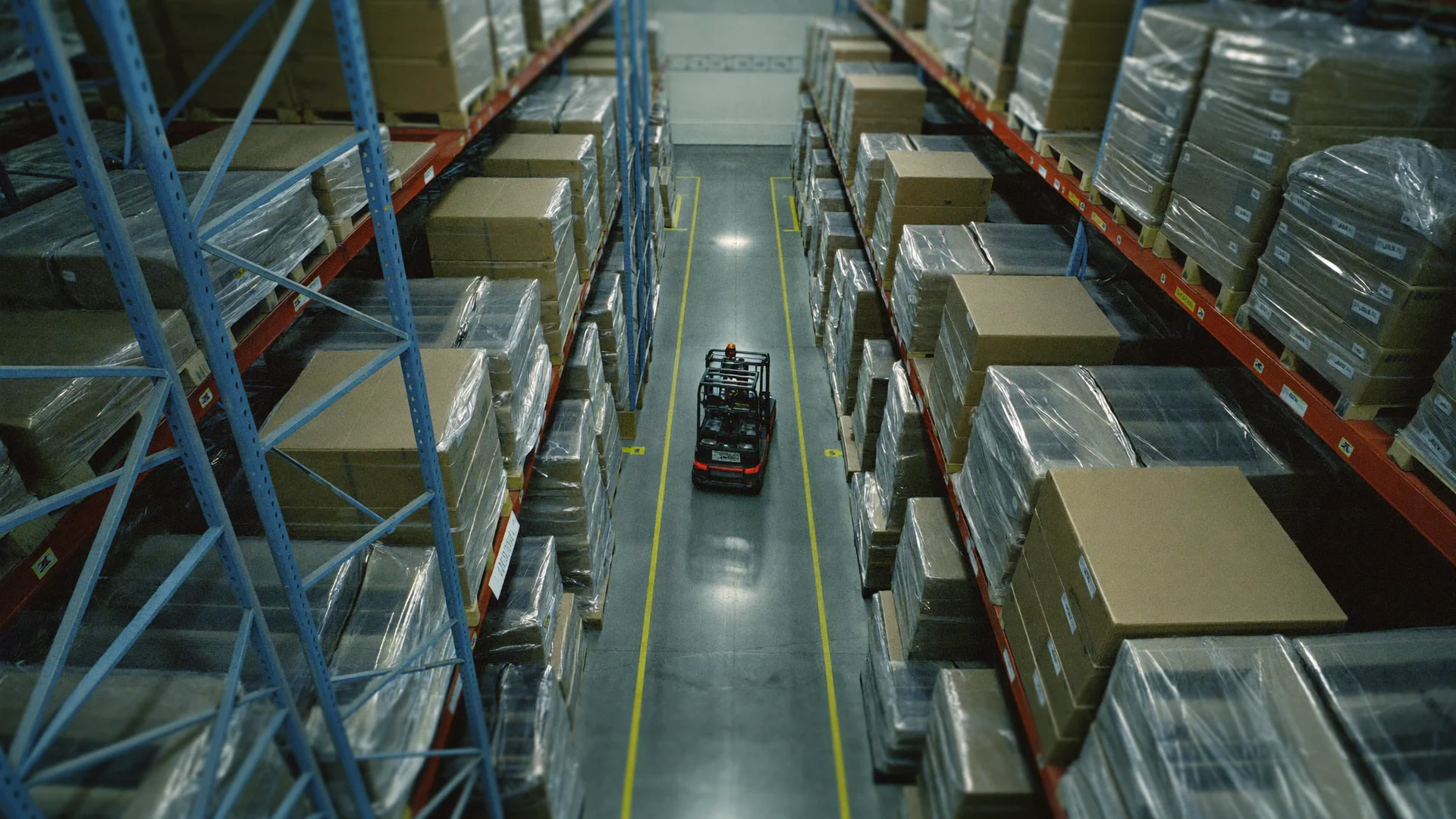
WorkSafe Victoria published Edition 2 of its forklift safety guidebook in May 2024, with a statewide inspection program. Its core ask is to keep people and forklifts apart. Here is what it says.
What the guidebook asks of a forklift site
This is guidance, not a regulation. It explains duties under the OHS Act 2004 and OHS Regulations 2017. In its words, "must" is a legal requirement and "should" is a recommended option (p. 11).
Who it is for
Employers and self-employed people using forklifts in Victoria.
The underlying duty
Eliminate or reduce the risk of forklifts hitting pedestrians, so far as reasonably practicable.
Hierarchy of control
Eliminate first, then isolate or engineer, then administrative controls, then PPE.
Traffic management plan
Maps forklift areas, exclusion zones and pedestrian paths; reviewed after incidents.
Inspections
Statewide program from May 2024, focused on manufacturing, postal and warehousing.
Where cameras can support the guidebook's controls
Table 2 (p. 27) lists pedestrian or forklift-exclusion zones and pedestrian detection systems among Level 2 controls. Cameras appear only as visibility aids on the forklift (p. 36).
- Exclusion zones, Table 2, p. 27Pedestrian or forklift-exclusion zones, with fixed barriers. Cameras can alert the supervisor when a person is in the zone.
- Collision with pedestrians, p. 21Hazards include shared areas, blind spots and speed. Cameras can flag a forklift close to a pedestrian, with the clip.
- Speed limits, p. 32Walking pace, 5 to 7 km/h, where pedestrians may be present. Cameras can measure speed in the zones you set.
- Loads over people, p. 9A load must not be suspended or travel over a person. Cameras can flag a person under a load.
- Loading areas, p. 31Keep pedestrians out; drivers wait in driver safety zones. Cameras can log each dock entry with time and clip.
- Plan review, p. 29Review the plan after an incident or a layout change. Breach trends by zone and shift give each review its evidence.
An added layer on top of barriers and interlocks
Fixed barriers, speed limiters, interlocks and on-truck pedestrian detection all stay. Cameras watch the zones and keep the record. Invigilo alerts people, does not stop the forklift, and does not make a site compliant.
What stays in place
- Fixed barriersPhysical separation between forklifts and people is unchanged.
- Speed limiters and interlocksControls on the truck keep working.
- On-truck pedestrian detectionDevices fitted to the forklift stay in use.
What the cameras add
- Existing camerasAny IP camera over RTSP or ONVIF.
- Alert in about a secondWhatsApp, Microsoft Teams, Telegram or email, with the frame and the clip.
- Site server or cloudChosen site by site. With a site server, only events leave the site.
- The condition, without the identityFace recognition is off by default. Reports are by zone, shift and condition.
What happens after a hazard is found
The detections change by site. What happens after a detection stays the same.
Step 1
The alert reaches a person
WhatsApp, Teams or email and the dashboard, in about a second, with the frame and time.
Step 2
It becomes a task with an owner
Raised against its zone and routed to whoever is responsible for that area on that shift.
Step 3
Overdue cases escalate
An action left open past the window your HSE team sets moves up on its own.
Step 4
The fix is checked on the same camera
The feed that raised the finding verifies closure, and the pattern feeds the next briefing.
General information, not legal advice
This page summarises WorkSafe Victoria's forklift safety guidebook in plain words for general information. It is not legal advice and does not cover every page of the guidebook.
The duty holder should check the current text with WorkSafe Victoria before relying on it. Sources: WorkSafe Victoria, Forklift safety guidebook, Edition 2 (PDF, May 2024); WorkSafe Victoria, New guidance, inspections target forklift safety (22 May 2024).
Common questions
Does the WorkSafe Victoria forklift guidebook require AI cameras?
No. It lists pedestrian detection systems as a control and cameras as a visibility aid. The duty is to eliminate or reduce forklift risk so far as reasonably practicable.
Does the guidebook set a 3 metre exclusion zone?
Not in Edition 2. It calls for exclusion zones with fixed barriers but sets no distance. Its one figure is walking pace, 5 to 7 km/h, near pedestrians (p. 32).
What is the WorkSafe forklift inspection program?
From May 2024, inspectors have targeted forklift safety statewide, focusing on manufacturing, postal and warehousing.
Can existing warehouse cameras run this?
Usually yes, if they stream over RTSP or ONVIF. Video is processed on a site server or in the cloud, chosen site by site. Face recognition is off by default.
How can we see it before deciding?
Send two hours of recorded footage of your forklift aisles and docks. We return it annotated, showing what the system would have flagged.
Talk to our team
Questions, pricing, a pilot, or a free footage review on your own cameras. Tell us what you need and we come back with next steps.