Home / Industries / Manufacturing
Safer machine zones and crane bays
Factory incidents often start with a hand inside a running machine, a forklift too fast indoors, or a bad lift done for the hundredth time. Invigilo watches the lines already on camera and flags each deviation.
Catch the deviation before it becomes a recordable
On a production line, the gap between safe and unsafe is a few centimetres and a few seconds. These failure modes show up on camera first.
- Reach into a running machineHands and bodies inside the zone of a running machine, often to clear a jam.
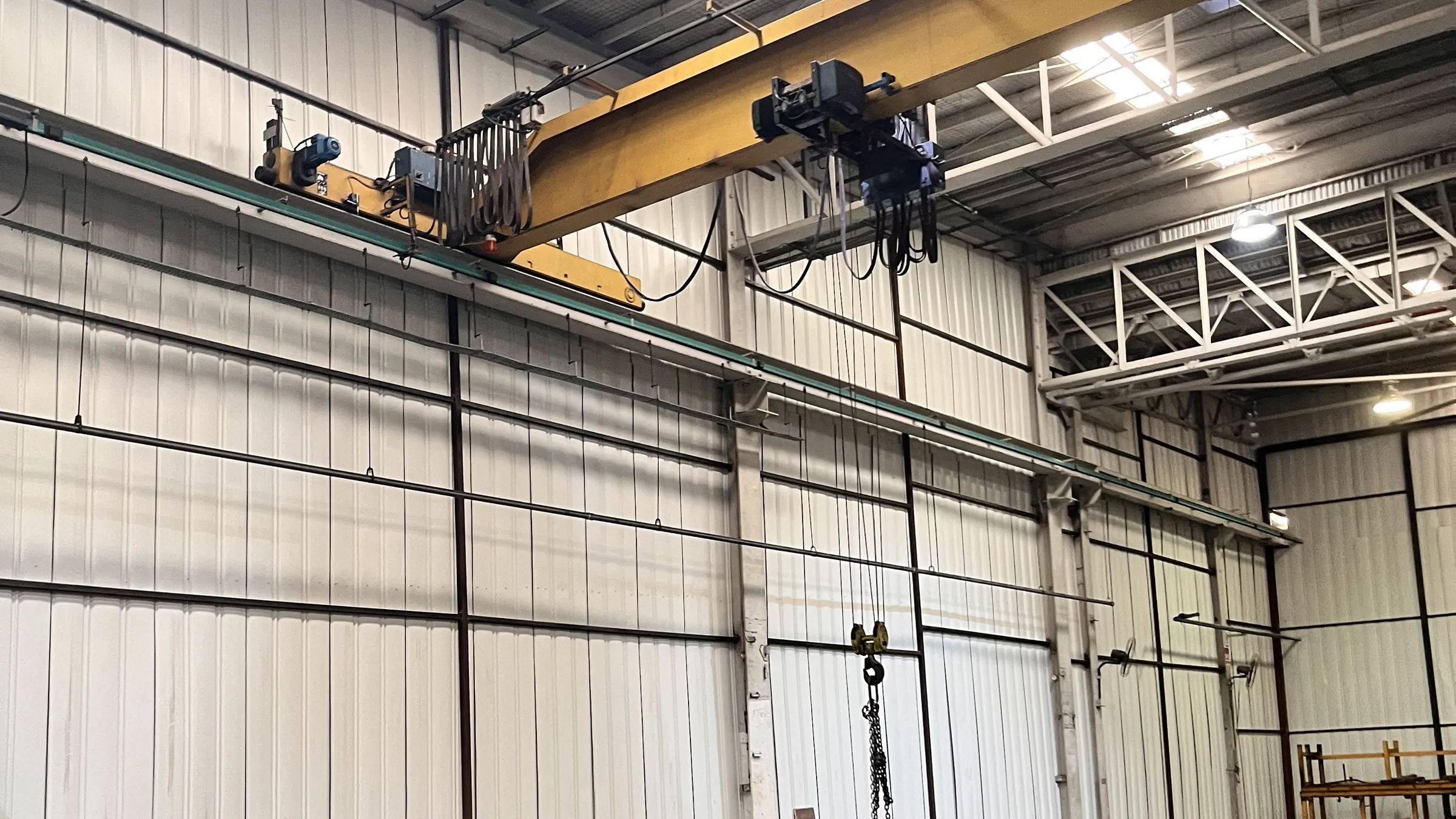
- Loads over people in crane baysOverhead crane lifts travelling over people on the floor.
- Ergonomic strain on linesRepetitive lifting and awkward postures that build into injuries.
- Forklift traffic indoorsPowered trucks sharing aisles with people.
- Storage and housekeepingOver-stacked pallets, blocked pathways and spills that turn into falls and strikes.
Detections a manufacturing deployment starts with
Checked per line and per shift against your own rules, so the night crew is held to the same standard as the day crew.
Machines and cells
- Proximity to running machineryA person inside a machine's exclusion zone, with the check keyed to whether the machine is moving.
- Person limits and time limitsMore people in a cell than the procedure allows, or one person there longer than the task takes.
- Suspended loads in crane baysA person in the lift zone while a load moves, set per bay with your safety team.
Traffic, posture and housekeeping
- Lifting posturePoor lifting posture, logged by station rather than person, so the pattern points at the task.
- Forklift speed and collision pathSpeed per aisle against your plant's limit, and the path between a truck and a pedestrian.
- Storage, housekeeping and fireOver-stacked material, obstructed pathways and black or white smoke.
How it runs on a plant
On the cameras already covering your lines, with the same rules applied to every shift.
Cameras
- Existing RTSP or ONVIF plant CCTV
- PTZ cameras over crane bays and lines
- Body camera footage from walk-rounds
Processing
- A server at the plant or in the cloud
- With a site server, only events leave the site
- Faces can be blurred per camera
Alerts
- About a second from detection to alert
- WhatsApp, Microsoft Teams, Telegram, email and the dashboard
- Cases to DoneSafe or other EHS systems through webhooks and open APIs
Go-live
- First alerts within 48 hours of connecting cameras
- Zones and thresholds tuned with your safety team
- Models covering 45 risk types, configured per site
What happens after a hazard is found
The detections change by site. What happens after a detection stays the same.
Step 1
The alert reaches a person
WhatsApp, Teams or email and the dashboard, in about a second, with the frame and time.
Step 2
It becomes a task with an owner
Raised against its zone and routed to whoever is responsible for that area on that shift.
Step 3
Overdue cases escalate
An action left open past the window your HSE team sets moves up on its own.
Step 4
The fix is checked on the same camera
The feed that raised the finding verifies closure, and the pattern feeds the next briefing.
See it on your own cameras first
Send two hours of recorded footage from two or three cameras on your production lines. We return it annotated and walk your safety team through what the system found.
Your footage is used only for your review, and we can sign your NDA first. Then one site goes live, with success measures agreed before go-live.
Common questions
Does it work with the cameras we already have?
Yes. Standard RTSP or ONVIF cameras work as they are, along with PTZ, drone and body camera footage, so most sites need no new cameras. Send two hours of recorded footage and we return it annotated, so you see results on your own cameras first.
How long does deployment take?
First alerts arrive within 48 hours of connecting your cameras. Zones and thresholds are then tuned with your safety team on site, so alerts match how each area actually works.
Does it need a stable internet connection?
Video is processed on a server at the site or in the cloud, chosen site by site. With a site server, only events leave the site, and detection keeps running when the network link drops.
What happens after a detection?
The alert reaches WhatsApp, Microsoft Teams, Telegram, email or the dashboard in about a second, with the frame and a short clip. It becomes a task with an owner, escalates if left open, and closure is checked on the same camera.
Can it monitor machine zones and procedure limits?
Yes. It flags a person inside a running machine's exclusion zone, more people in a cell than the procedure allows, or one person there longer than the task takes. Rules are set per line and per shift with your safety team.
Does posture monitoring single out workers?
Lifting posture is logged by station rather than by person, so the pattern points at the task and the fix goes to the workstation. Face recognition is off by default.
Talk to our team
Questions, pricing, a pilot, or a free footage review on your own cameras. Tell us what you need and we come back with next steps.